CRESCA SUPPORT
How can we help?
Find clear answers, learn the essentials, or talk with the Cresca team.
YOUR CRESCA CARD
Four things. One reusable card.
The one-minute guide for first sign-in, activation, and every connection after that.
START HERE
Get comfortable with Cresca
Remember the person, not just the contact.
Learn how Cards, People, private Memory, and Capture fit together.
Start with the basics →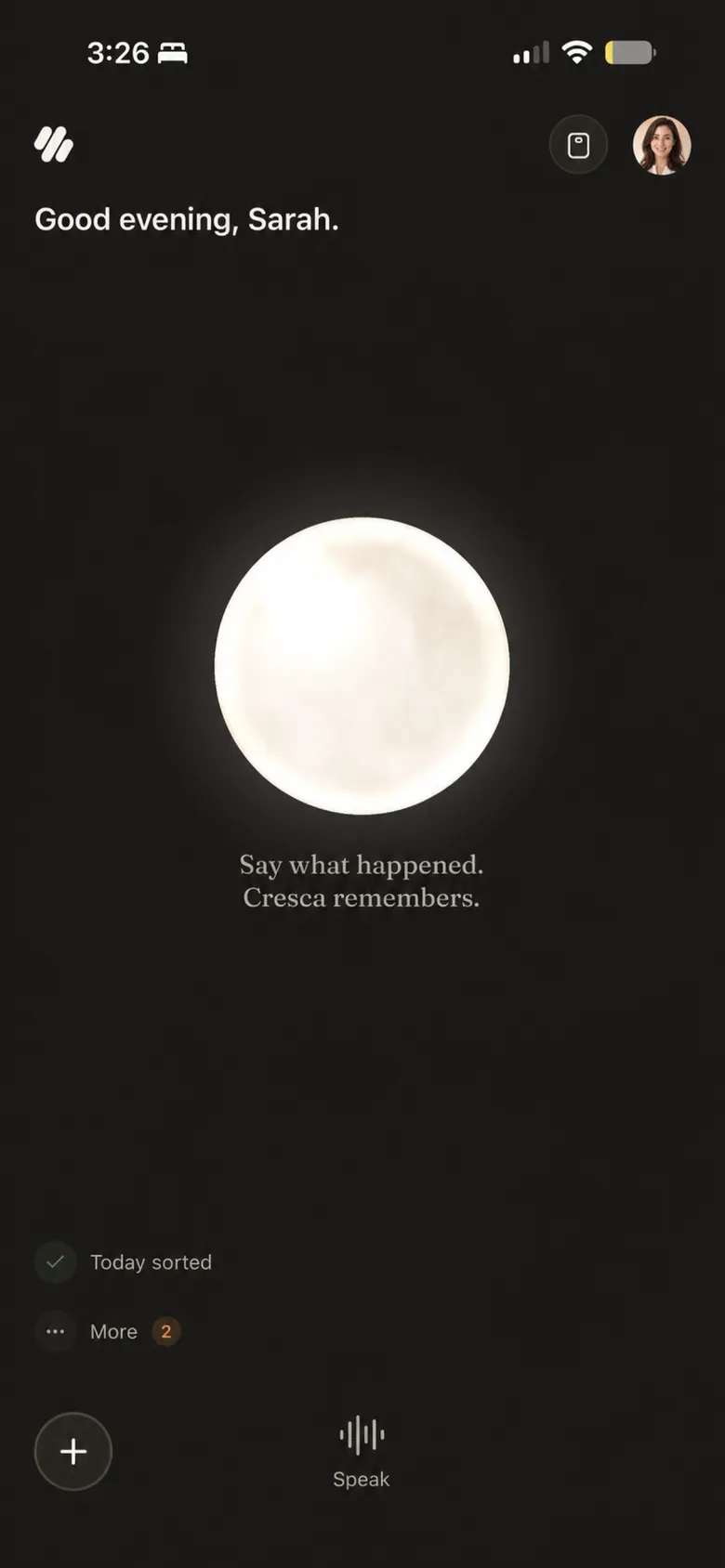
BROWSE HELP
Find help by topic
Getting started
Create your account, set up your Card, and learn the basics.
8 articlesCresca on the Web
Use your Cresca Card, save contacts, and activate a physical card.
8 articlesCards & Badges
Choose what you share and how people connect with you.
8 articlesPeople & private memory
Add people and keep the context you want to remember.
8 articlesCapture, recordings & AI
Save ideas, transcribe audio, and use Ask Cres.
7 articlesMeetings & events
Plan time together and keep what happened.
6 articlesAccount, privacy & data
Manage access, AI controls, exports, and deletion.
7 articlesTroubleshooting
Fix common sign-in, scan, recording, and connection issues.
6 articlesPOPULAR
Answers people look for
What is Cresca?
A private place to remember people and continue relationships naturally.
3 min read →Cards & BadgesProfile, Card, and Badge: what’s the difference?
Your Profile is the source, a Card is what you publish, and a Badge helps you share.
4 min read →People & private memoryKeep a private memory about someone
Save notes, files, recordings, and reminders in the person’s private Memory.
4 min read →Capture, recordings & AIWhat can I do with Ask Cres?
Draft, summarize, ask general questions, or choose a specific Memory as context.
4 min read →Account, privacy & dataHow Cresca uses AI and how to turn it off
AI is optional and can be disabled from Settings.
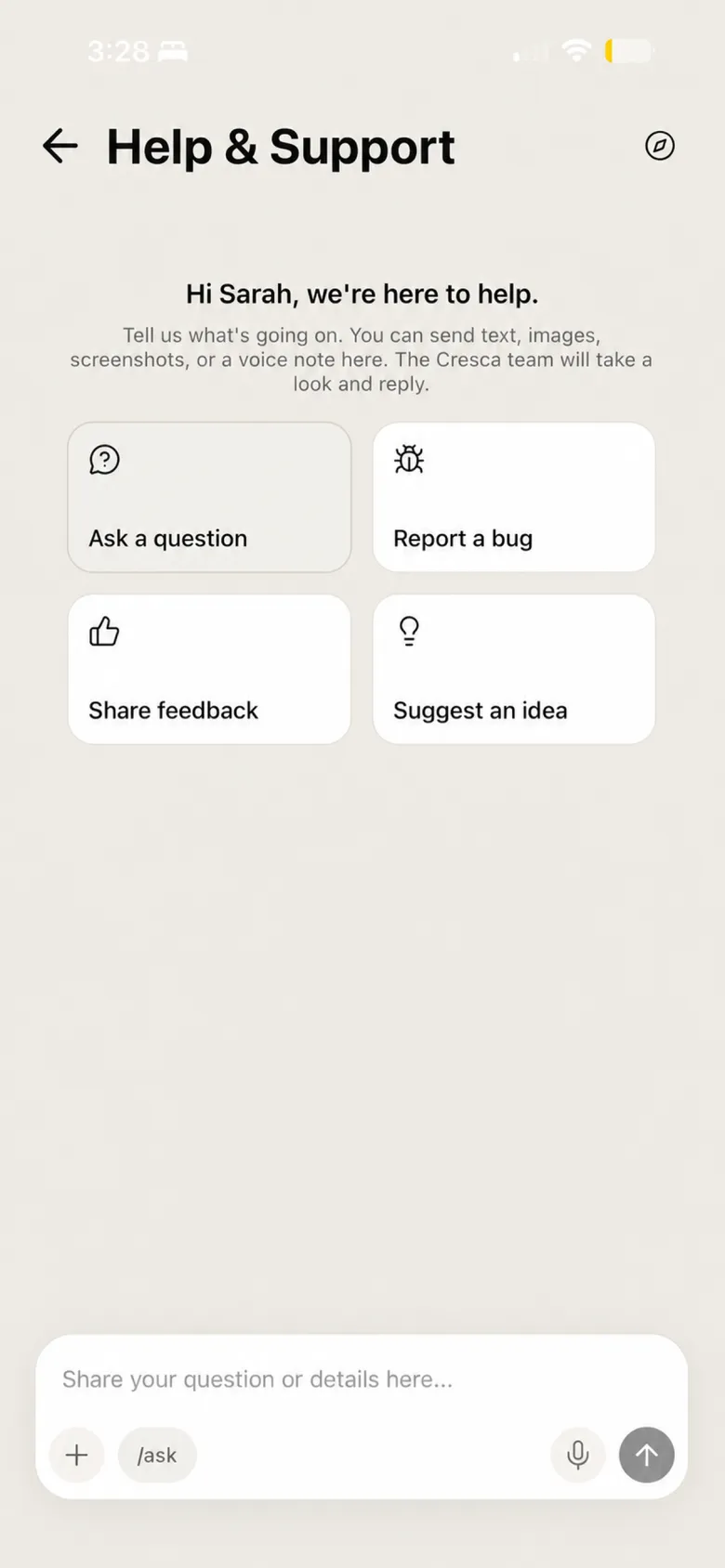
5 min read →TroubleshootingContact Cresca Support
Ask a question, report a bug, share feedback, or request a person.
3 min read →PRIVACY, IN PLAIN LANGUAGE
Your private memories are not your public Card.
Cresca separates the context you keep for yourself from the identity you intentionally share.
REPORT & SAFETY
Report content or a user
If you come across content or a person that violates our Terms of Service, you can report it from within the app: open the “⋯” menu on a profile or contact and choose Report. You can also block a user from their contact page.
We review reports and act on violations — including removing content and suspending accounts — typically within 24 hours. You can also email support@cresca.ai.
Cresca Support is not an emergency service. Contact local emergency services when someone may be in immediate danger.
STILL NEED HELP?
Talk with Cresca Support.
Ask a question, report a bug, share feedback, or suggest an idea. We typically reply within one business day.