
GETTING STARTED
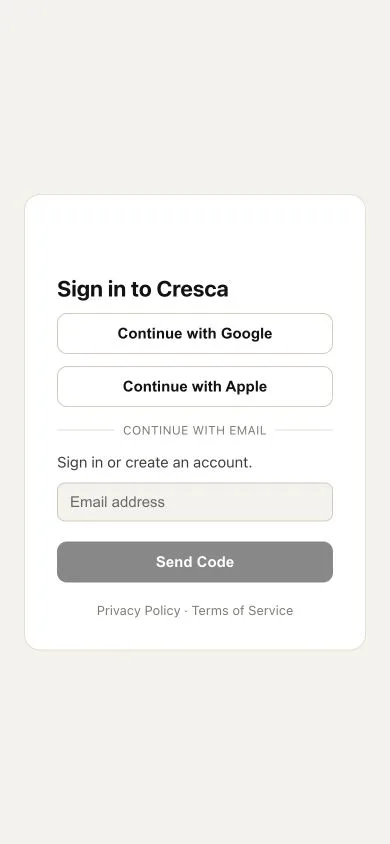
Sign in with email, Apple, or Google
Use the same email and sign-in method whenever possible.
Cresca supports Apple, Google, email verification codes, and password sign-in.
How to do it
- 1
Open Sign in
Choose Apple, Google, or Continue with email. Sign in with Apple is offered on iPhone and on the Web; on Android use Google or your email address.
- 2
Use your original address
If you already have an account, use the same email you used when you created it.
- 3
Enter the newest code
Email codes expire. If you request another one, use the most recent code.
- 4
Use password sign-in when available
If you previously set a password, choose Sign in with Password.
Did this solve it?
Your feedback helps us improve Cresca Support.