
CARDS & BADGES
Edit and publish your Card
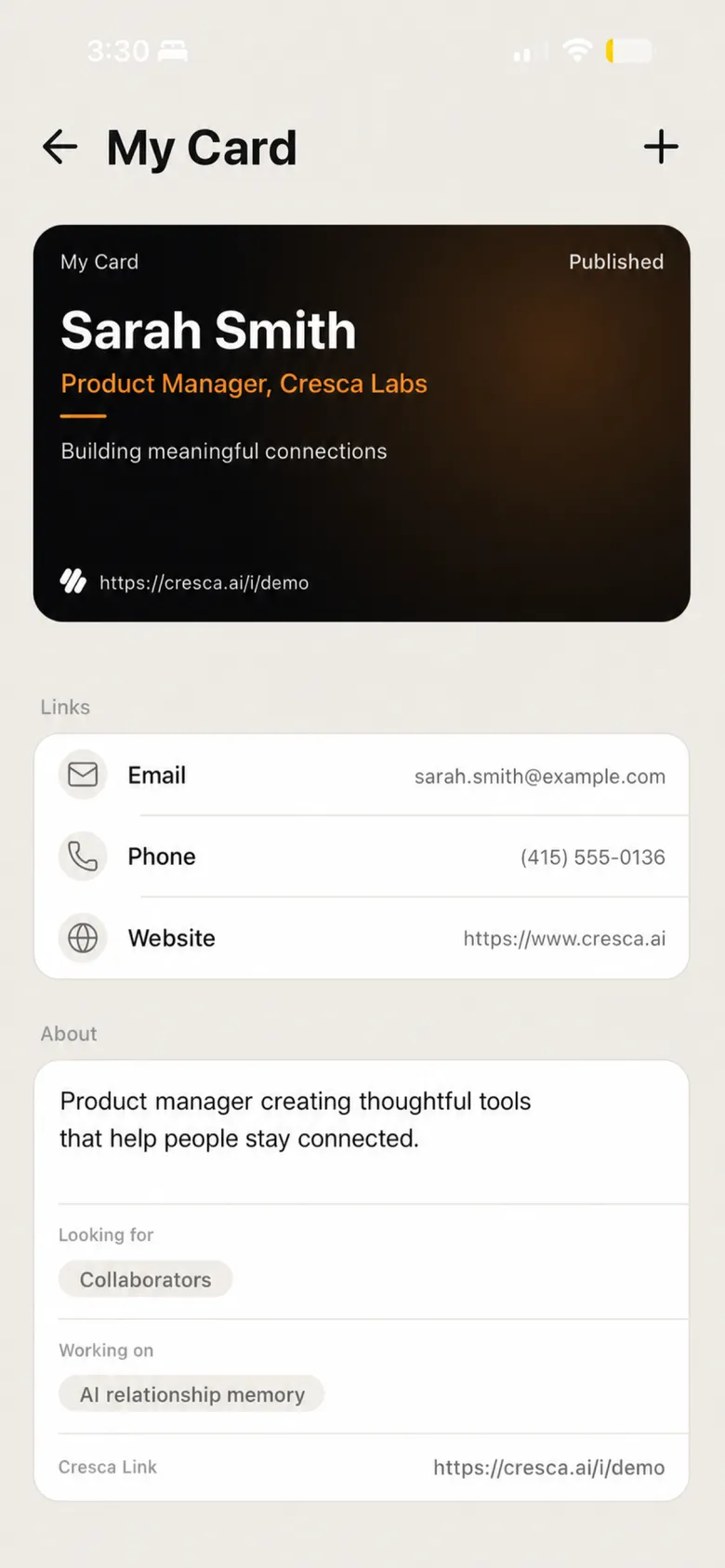
Review a Card as a draft, preview it, then publish when it is ready.
A draft gives you room to review changes before sharing them.
How to do it
- 1
Open your cards
Tap ☰ in the top left, then the avatar at the bottom of the menu to open My Page. Choose Manage cards. You can also reach the same list from the badge icon in the top right, under Manage cards.
- 2
Choose or create a Card
Pick the Card you want to work on, or use + to start a new one. Published Cards are never edited in place — choosing Update on one spins a fresh draft version for you.
- 3
Edit the details
Update the identity, background, and links you want this Card to contain.
- 4
Preview the Card
Use Live Preview to check the Card from the recipient’s point of view.
- 5
Done
Tap Done when the Card is ready — that publishes it. Save draft keeps your work without publishing, and a draft by itself is not ready to share through its public Card link.
- 6
Choose the active Card
If you have more than one published Card, make sure the right one is active before an in-person share.
Did this solve it?
Your feedback helps us improve Cresca Support.